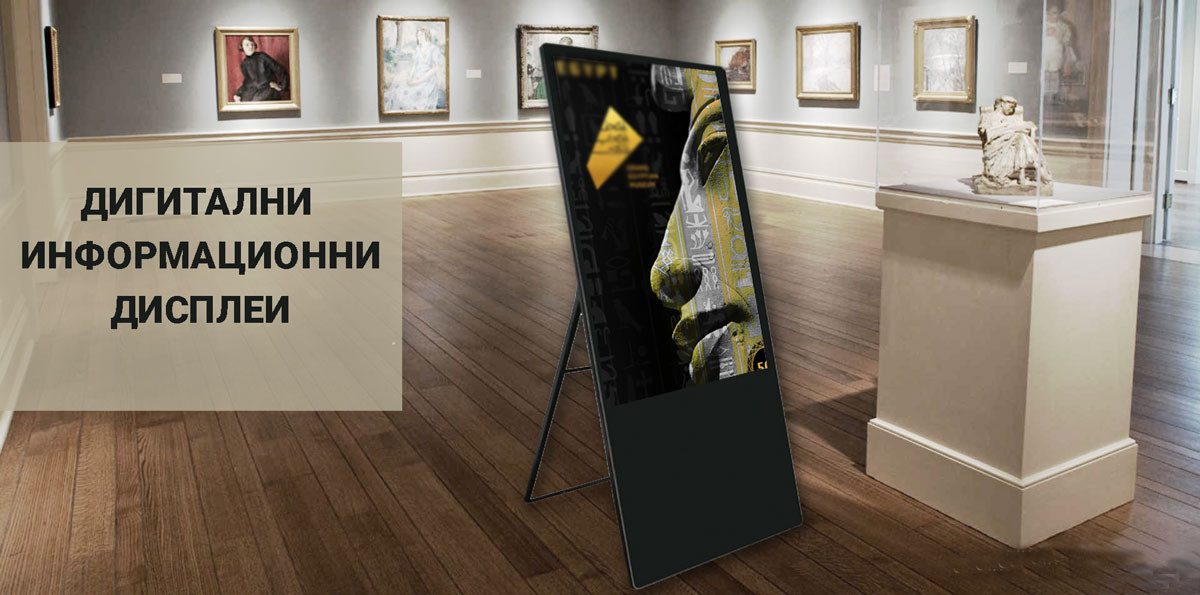
Digital Information Screens for Museums, Galleries and Cultural Sites
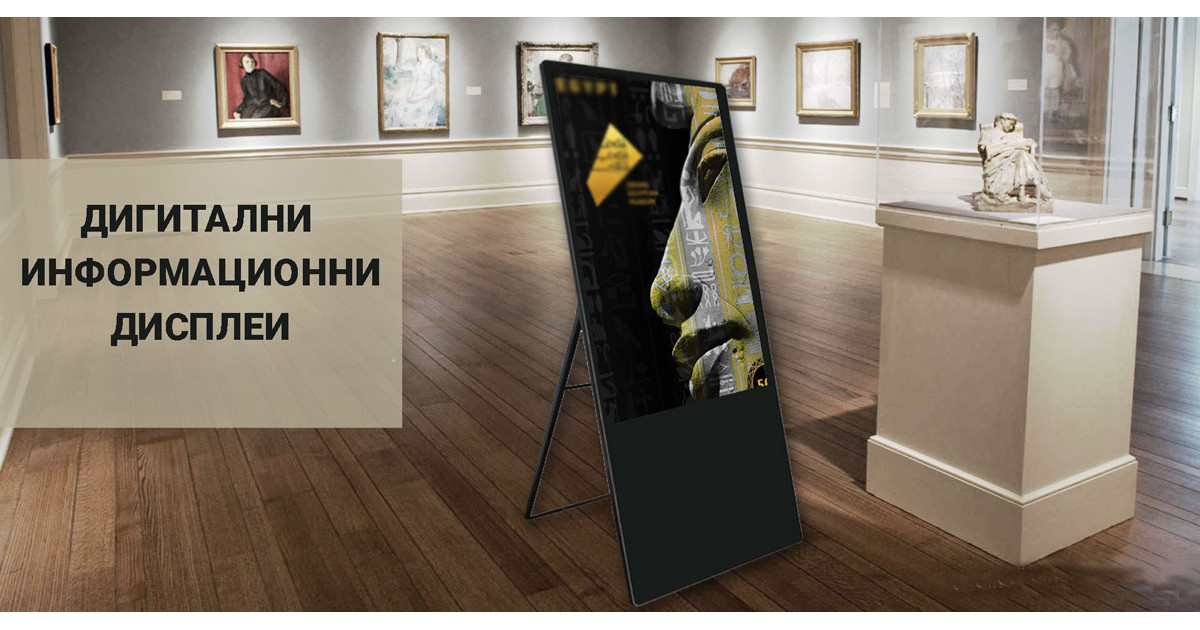
Digital Information Screens for Museums, Galleries and Cultural Sites
What screens show in a museum, gallery or cultural site
Digital information displays and kiosks turn a museum into an interesting interactive environment that appeals to young people. Placed at strategic spots, the screens show always up-to-date information. The most common content is video, a slideshow of photos or posters, presentations and audio.
1. Wayfinding in the museum
Guide visitors with a map of the museum and the exhibitions.
2. Information about exhibits
Offer detailed information about the exhibits right in front of them.
3. Educational films and clips
Show educational films and clips that tell the story behind the exhibit.
4. Upcoming events
Show up-to-date information about upcoming exhibitions and events.
5. Messages to visitors
Inform visitors about opening hours, programme changes and other announcements.
Where to place screens in a museum
Screens go at strategic spots where visitors look for information:
- Entrance and lobby: a museum map, programme and events.
- Exhibition halls: detailed information and educational clips about the exhibits.
- In front of individual exhibits: an interactive screen with extra information.
- Paths and junctions: directions to the next exhibition.
- Rest and waiting areas: announcements and upcoming events.
Types of digital information systems for museums
Digital information displays are all-in-one systems: a screen, a built-in computer system with Android OS and dedicated software.
- By screen: interactive information systems with a touch screen and information systems without a touch screen.
- By mounting: movable free-standing vertical screens of 43", 47", 49" and 55", wall-mounted screens (horizontal or vertical) and kiosks.
- Dedicated software: restricts unauthorised access to the device, plays content automatically on power-up without human intervention, and manages the content.
Suitable screens for museums, galleries and cultural sites

Touch totem 49"
An interactive totem with a touch screen and a built-in Android computer for information about exhibits.



Professional display 55"
A 55-inch professional display with 4K UHD resolution and 500 cd/m², built for 24/7 operation.

Paper signs or digital screens: what changes in the museum
- Paper signs and brochures that are hard to update.
- Visitors find it hard to find their way around the exhibitions.
- Information about upcoming events goes out of date.
- One limited set of content for all visitors.
- Video, photos, presentations and audio instead of static text.
- A map and directions to the exhibitions, on screen.
- Events and announcements change in minutes from a computer.
- Interactive touch screens give extra information on request.
- All screens are managed centrally from the cloud platform.
More on the blog: Types of content in digital advertising
Frequently asked questions
What is digital signage in a museum?
These are digital information screens and kiosks that show maps, information about exhibits, educational clips and events. They are managed centrally from one computer.
Where in a museum are screens placed?
At the entrance and in the lobby, in the exhibition halls, in front of the exhibits and along the paths between them. Each zone shows different information.
What content can be shown?
Video, a slideshow of photos or posters, presentations and audio, as well as a museum map and information about upcoming events.
Can the screens be interactive?
Yes. Interactive systems with a touch screen let the visitor pick an exhibit or hall and see detailed information. We also offer systems without a touch screen.
How is the device protected from unauthorised access?
The dedicated software on the displays restricts unauthorised access to the device and starts the content automatically on power-up.
How is the content on the screens changed?
In minutes, from a computer. All screens are managed centrally from the IDS CMS cloud platform.
How much does a solution for a museum cost?
The price depends on the number and type of screens, installation and the software subscription. We prepare a project quote after a short conversation about your site.
Do you offer installation and service?
Yes, across Bulgaria. Details about installation and what support includes are in the Q&A section.
What happens if the internet connection is lost?
The screen keeps playing the last programme saved in its memory and synchronises by itself when the connection is restored. See what happens to the screen when the internet is down.