Questions & Answers
Digital Signage represents a technology combining hardware (media box / screens) and software (CMS) for displaying dynamic content, which can be changed instantly.
Digital signs are used in retail locations, hotels, restaurants, real estate offices, public spaces, transport, museums, corporate buildings, etc.
They are used to display diverse content - video, electronic posters, QR codes, digital catalogs, product information, event schedules and directions, etc.
The advantages of using digital signs are numerous and include:
-
Improved communication: Effectively delivers dynamic, up-to-date information to target audiences.
-
Increased engagement: Video content and dynamic visuals capture attention more effectively than static signs.
-
Cost reduction: Reduces printing and manual replacement costs associated with traditional signs.
-
Flexibility: Content can be updated remotely and in real-time, allowing for immediate changes and localized messaging.
-
Brand promotion: Strengthens brand image through consistent and professional visual communication.
-
Increased sales: Draws customer attention to promotions, complementary products, and related products (Upsell & Cross-sale).
Digital displays can show a wide range of content, including:
-
Advertisements and promotions
-
Digital catalogs
-
Product information and pricing
-
News and weather updates
-
Social media feeds
-
Event listings and schedules
-
Emergency alerts
-
Employee communications
-
Directions and wayfinding
-
Live feeds (e.g., stock market data, sports scores)
-
Interactive maps and directories
A typical digital signage setup requires the following hardware components:
-
Professional LCD All-in-one screens, designed for continuous operation.
-
All-in-one digital screens for wall mounting / vertical or horizontal/
-
All-in-one digital displays with screen sizes 10”/13”/15.6”/22” - for shelf mounting / vertical or horizontal/
-
Advertising screens on a stand for the checkout area
-
Interactive kiosks / Totems - free-standing on the floor with a 40” /43” /49” /55” screen
-
-
Media player: A device (small computer) that connects to existing TVs or monitors.
-
Mounting accessories: Brackets or stands to securely install the displays.
-
Connectivity: The displays / media players must be connected to the internet at the installation site. This is done via: 4G Sim card / WIFI / LAN
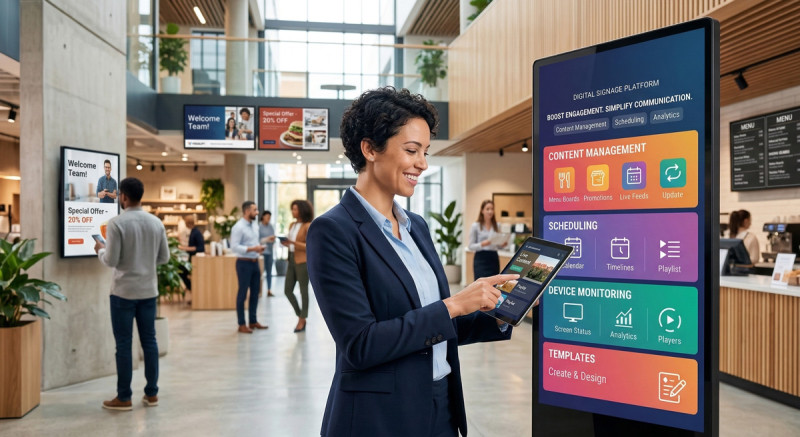
Cloud-based CMS Software, also known as a Content Management System (CMS), is used to manage and schedule the content displayed on the screens. Key features include:
-
Content management - sending, updating
-
Playlist management
-
Scheduling and playback control
-
Remote device management
-
User permissions and roles
-
Statistics
-
Device grouping
-
Geolocation
Yes, digital signs can be interactive. This often involves touchscreens, but can also include:
-
QR codes: Viewers scan a code to get more information on their mobile devices.
-
NFC tags: Allows personalized content delivery to nearby devices.
-
Motion sensors: Trigger specific content when a person approaches the display.
-
Kiosks: Interactive displays for digital catalogs, interactive presentations, ordering, directions and wayfinding in facilities, promotional games, etc.
Content for digital signs is typically updated remotely via a cloud-based software platform. Users log into the CMS through a browser from their computer. In the system, they upload new media, create broadcast programs, and schedule content by dates / times / days of the week. The content is then sent to specific screens or groups of screens.
No! Our screens have built-in memory and store the content locally. If the internet drops, the screen keeps playing the assigned programme without interruption, and synchronises automatically when the connection is restored.
Digital advertising displays are used in various industries:
-
Retail: Product promotions, dynamic pricing, in-store navigation, customer service information.
-
Real estate offices: Current listings, video tours, virtual viewings.
-
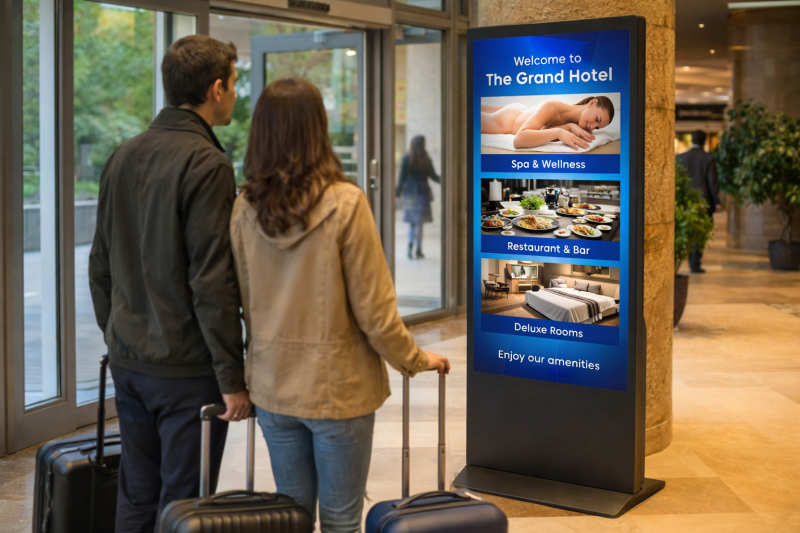
Hospitality: Hotel directories, restaurant menus, event promotions, local attraction information, promotion of offered services.
-
Office and administrative buildings: Office information, directions to rooms, etc.
-
Corporate: Internal communications, meeting schedules, visitor information, brand messaging.
-
Education: Campus announcements, event calendars, emergency alerts, upcoming events, important messages and news.
-
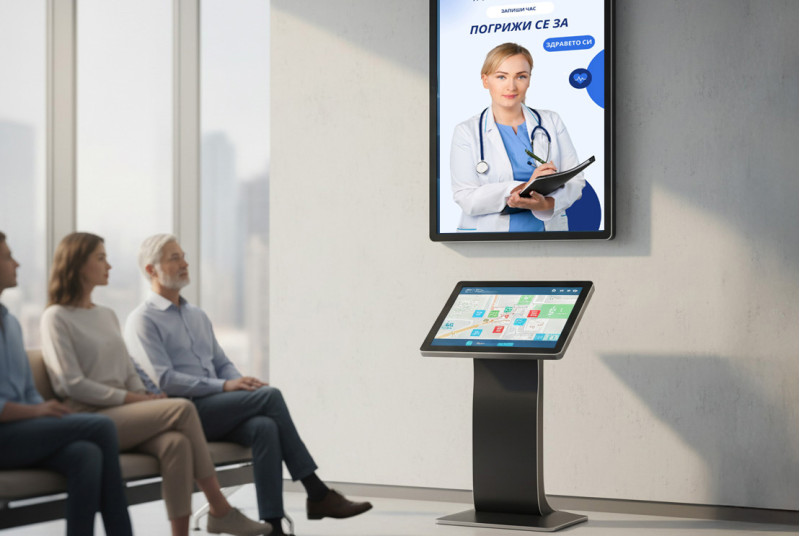
Healthcare: Waiting room information, patient education, staff information, visitor directions, digital reception, doctor schedules.
-
Transport: Arrival/departure times, public service announcements, advertising.
-
Museums: Exhibit information, site directions, upcoming events, etc.
Yes, we can offer installation of advertising screens in Sofia, Varna, Burgas, Ruse, Shumen, Dobrich, Pleven, Stara Zagora, Veliko Tarnovo, Gabrovo, Yambol, Sliven, and other cities.
Standard warranty for commercial displays - 12 months. Extended warranty for an additional fee.
Our service center offers warranty and post-warranty service.
Our support is a direct line via phone / Viber / email - no tickets, no call centers. You contact our team directly and receive a response within the same day.
90% of cases are resolved remotely within 1-2 hours.
Remote diagnostics and software updates;
Assistance with uploading and managing content;
Staff training;
Priority response to technical incidents.
The personal approach. With us, every client has a real contact person who knows their specific installation and can help immediately. This is support with a face and a name, not just a "service department."
Of course. We work long-term with our clients – when they add new screens, content, or locations, we adapt their system without work interruption. Our support grows with your business.
For more information, consider contacting a digital signage expert from our team. They can assess your specific needs and recommend suitable hardware, software, and content strategies.
Send us an email: info
Book a demo CMS software