Digital Signage in Education: Schools, Universities, Campuses
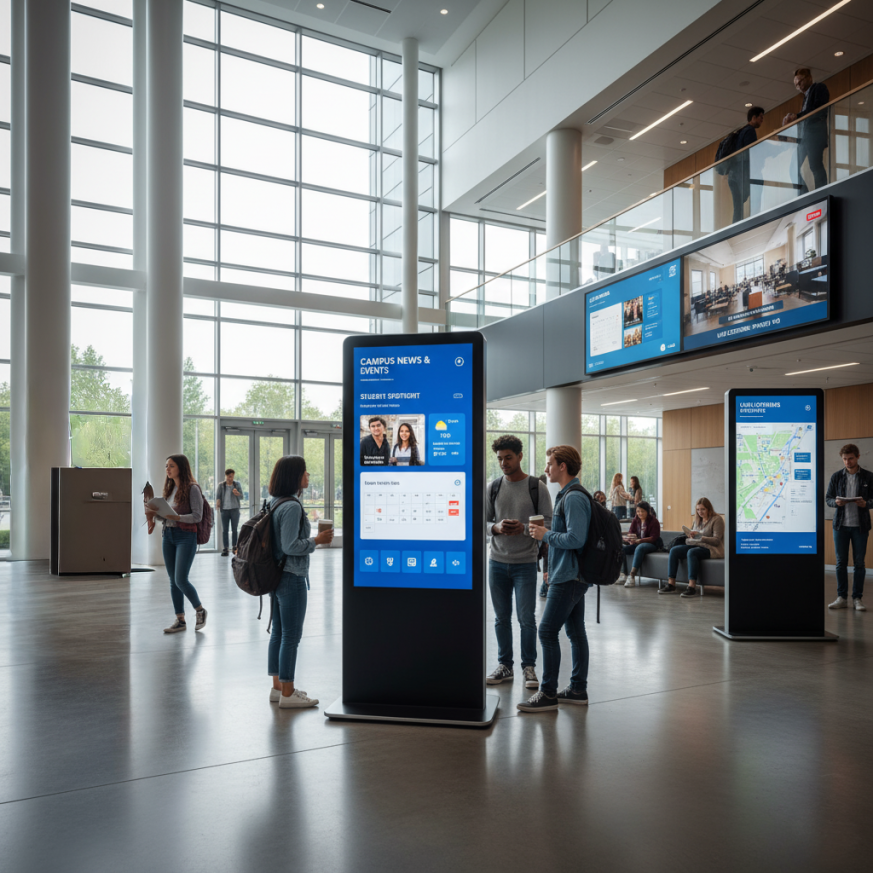
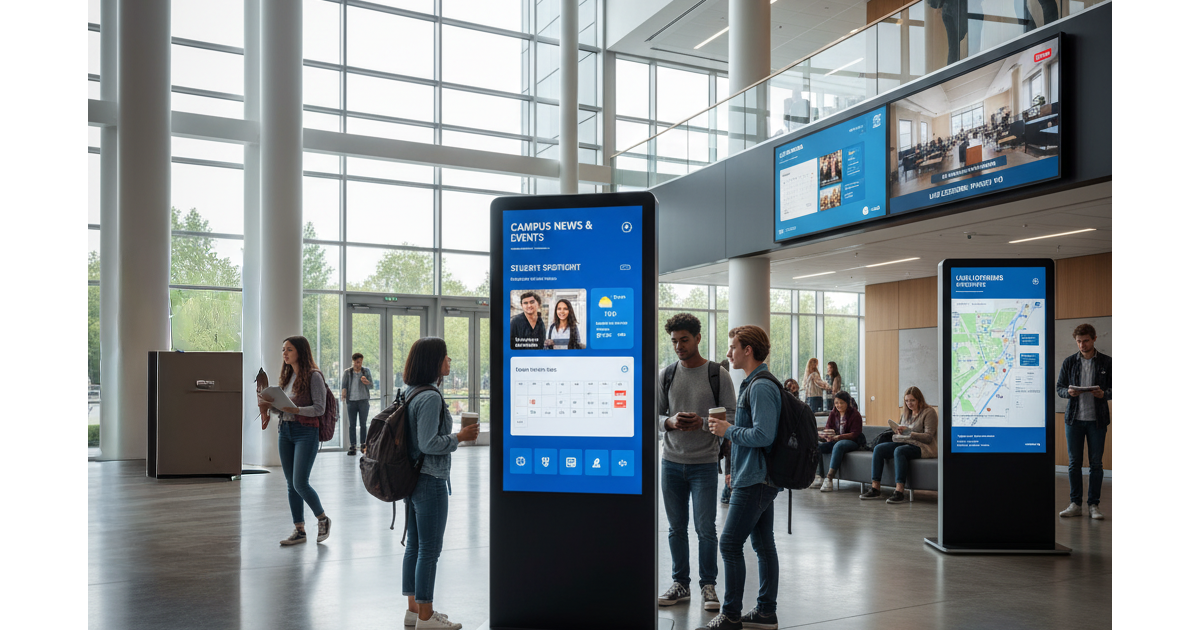
Digital information boards for schools and universities
Completed project: Varna Free University
We installed touch totems at Varna Free University.
What the screens show in a school and university
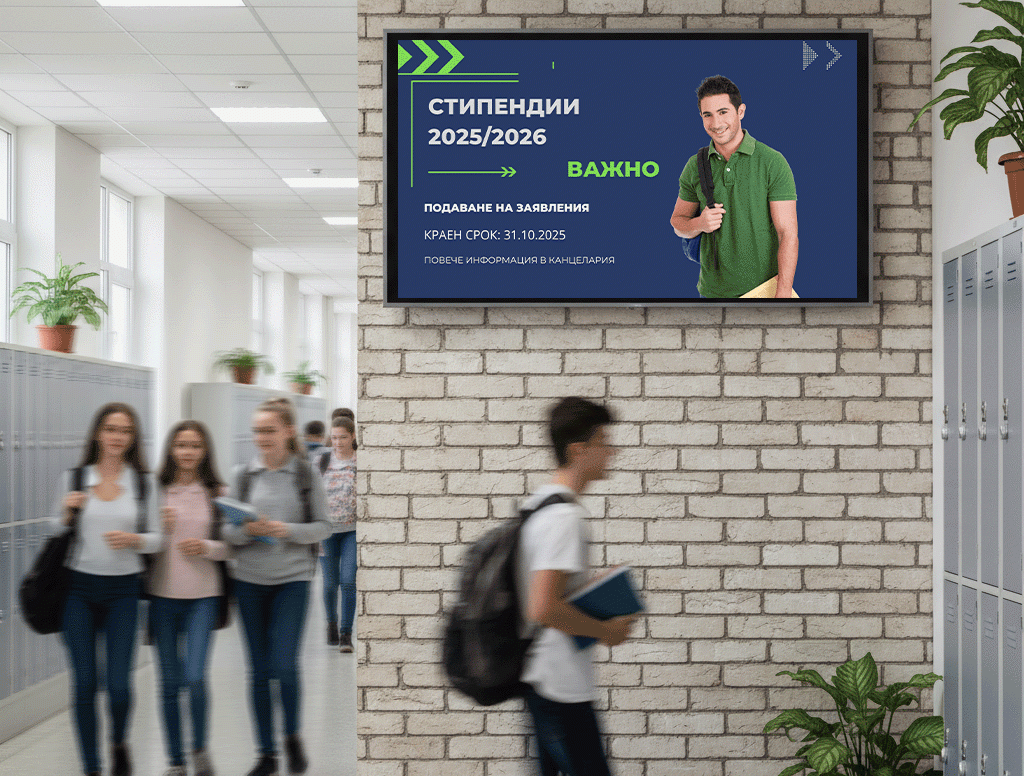
Young people take in dynamic, multimedia information much more easily than static notices. Digital boards are a tool for promoting events, building a community and delivering accurate, up-to-date information.
1. News and announcements
Share important information, announcements and news with all pupils, students and teachers in real time. Create personalised messages for different groups according to their needs and interests.
2. Events, clubs and initiatives
Use the screens to promote school events, clubs and initiatives and encourage active participation. Videos, animations and infographics hold attention longer than paper notices.
3. Safety and quick response
Update content quickly when the schedule changes or in an emergency, and distribute safety and evacuation instructions to everyone on the premises.
4. Finding the way around the building
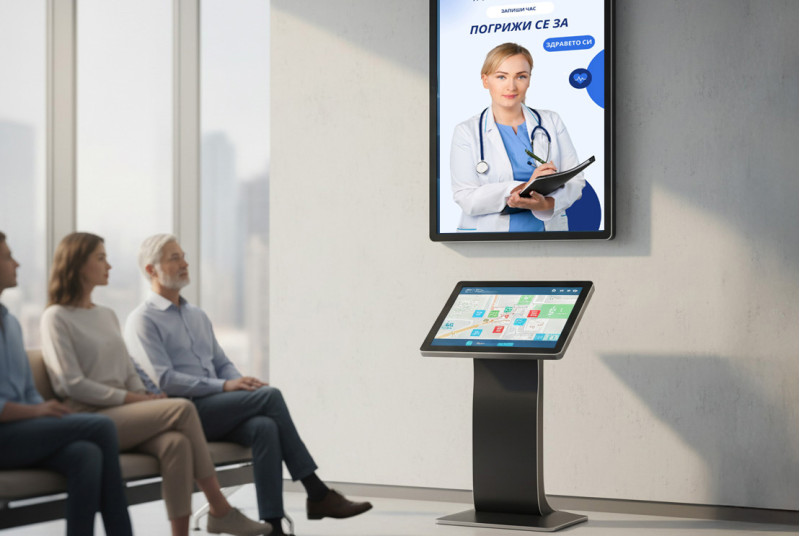
The screens can provide wayfinding to classrooms, halls and administrative offices, especially in large school and university complexes.
5. Support for learning
Connect the digital boards to the curriculum and show additional resources and materials that support teaching and learning in the classroom.
Where should you place screens in a school or university?
Screens go where many people gather and where information has to be seen quickly:
- Entrance and lobby: welcome pupils, students and guests and show the day's news and events.
- Corridors: short announcements, schedule changes and directions.
- Canteen and break areas: events, clubs and initiatives.
- Library: news, resources and materials.
- Halls and auditoriums: event programme and directions.
- Administration: information about offices, services and office hours.
Suitable screens for schools and universities


Touch totem 49"
An interactive totem with a 10-point capacitive touch screen and a built-in Android computer, for indoor use.

Professional display 55"
A 55-inch professional display with 4K UHD resolution and 500 cd/m², built for 24/7 operation.

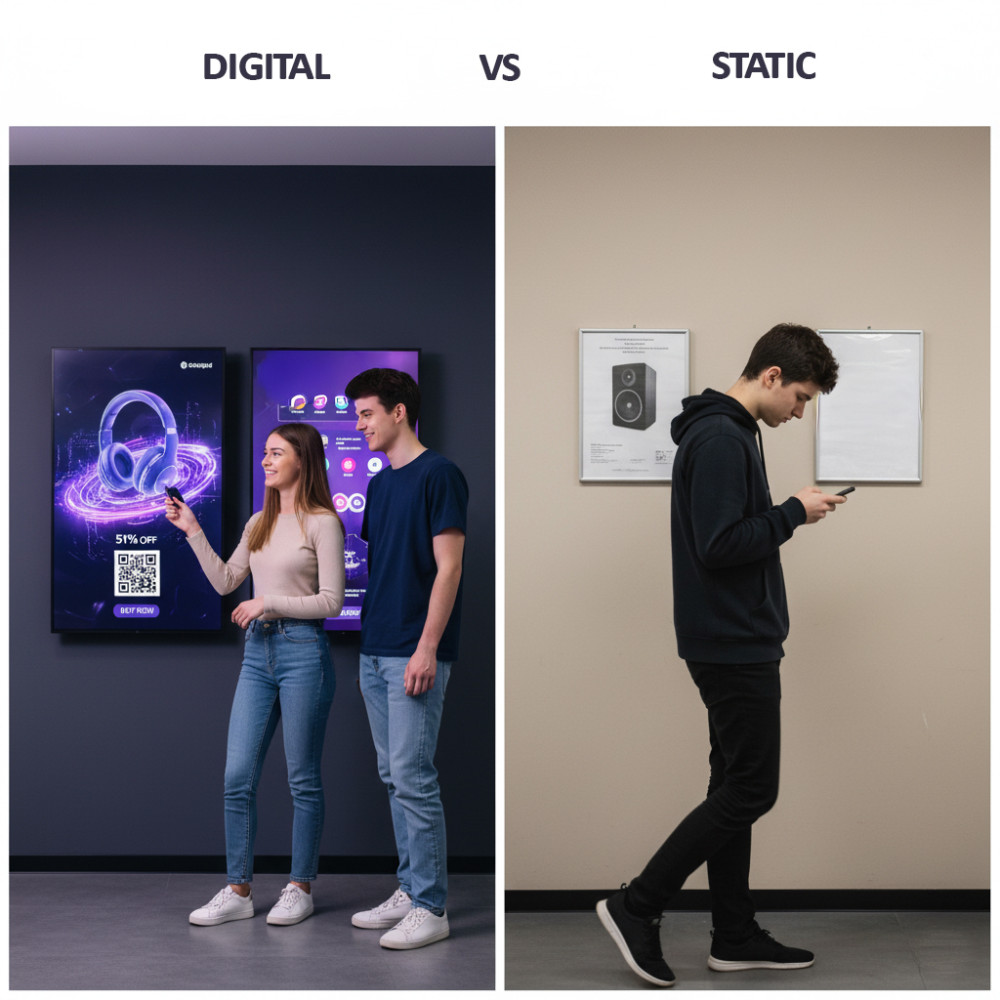
Paper notices or digital screens: what changes at school
- Paper notices and posters are printed, pinned up and replaced by hand.
- News and events do not reach all pupils and students.
- Schedule changes and important announcements are made late.
- Printing costs money and time.
- Content changes in minutes from a computer or phone, with no printing.
- News and events are visible to everyone at the entrance and in the corridors.
- Changes and important announcements appear immediately.
- Fewer printed materials and less paper.
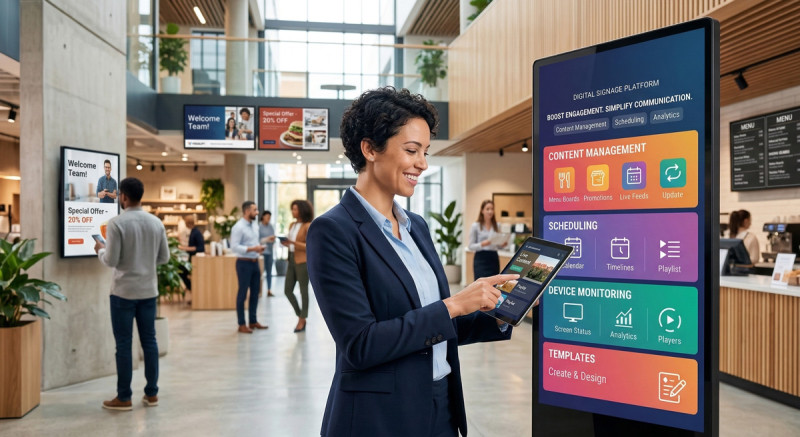
- All screens are managed centrally from the cloud platform.
More on the blog: How is digital signage changing education? and Digital information displays for schools and universities
Frequently asked questions
What is digital signage in education?
These are digital information boards that show news, events and important announcements to pupils, students and teachers. The content is managed centrally from one computer.
Where in a school or university are screens placed?
At the entrance and lobby, in the corridors, in the canteen, in the library, outside halls and auditoriums, and in administrative areas. Each zone shows different information: from news and events to wayfinding.
How is the content on the screens changed?
In minutes, from a computer or phone. All screens are managed centrally from the IDS CMS cloud platform, with no need to print and replace notices and posters.
How much does a solution for a school or university cost?
The price depends on the number and size of the screens, the installation and the software subscription. We prepare a project quote after a short conversation about the site.
Do you offer installation and service?
Yes, across Bulgaria. Details about installation and about what the support includes are in Questions and Answers.
What happens if the internet goes down?
The screen keeps showing the last programme saved in its memory and syncs by itself when the connection returns. See in detail what happens to the screen when the internet is down.
Can the screens be used for safety and quick alerts?
Yes. Content is updated quickly, so when the schedule changes or in an emergency, safety and evacuation instructions can be shown on the screens.
Can the screens help people find their way around the building?
Yes. The screens can provide wayfinding to classrooms, halls and administrative offices in large school and university complexes.