Digital Screens for Hospitals and Medical Centres
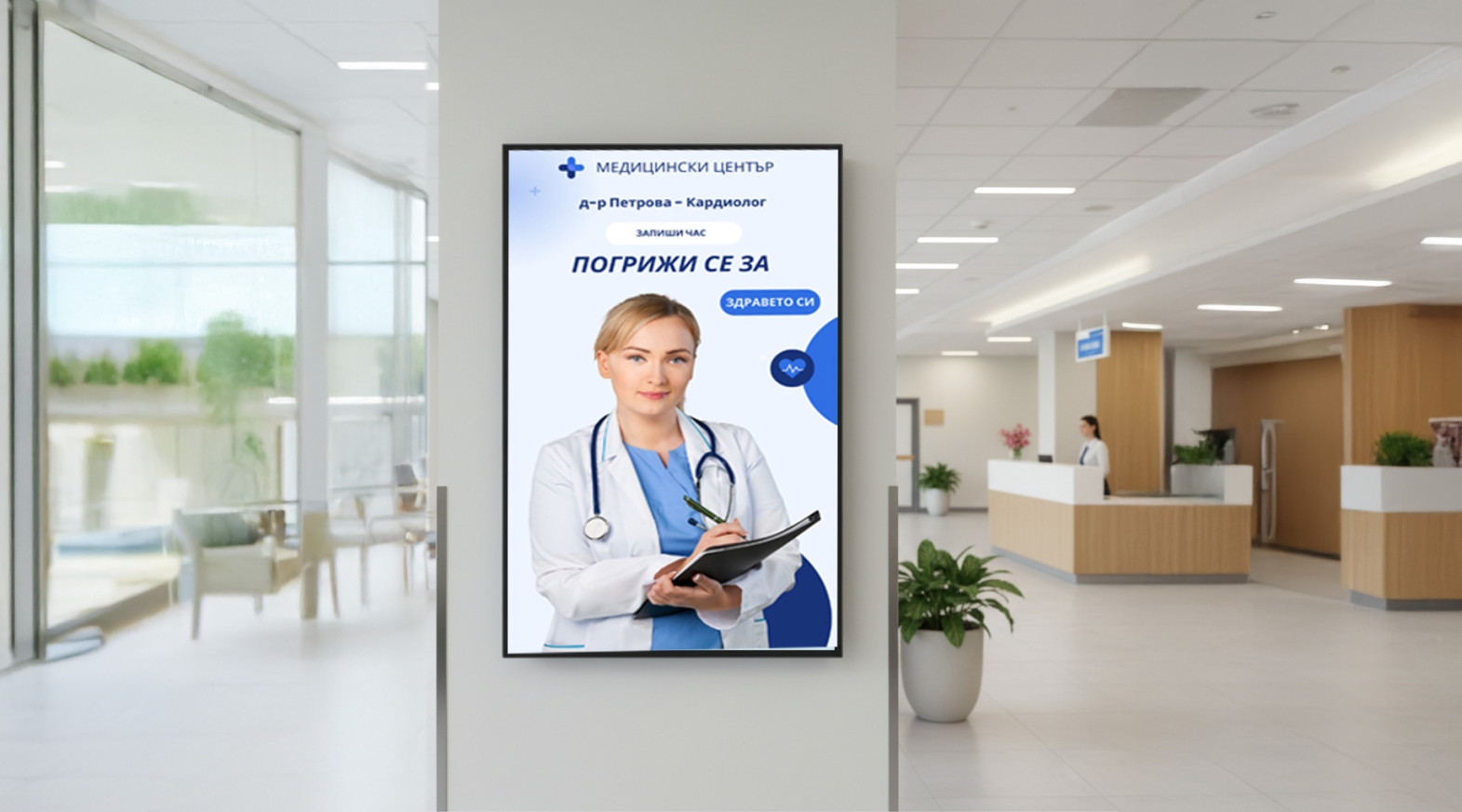
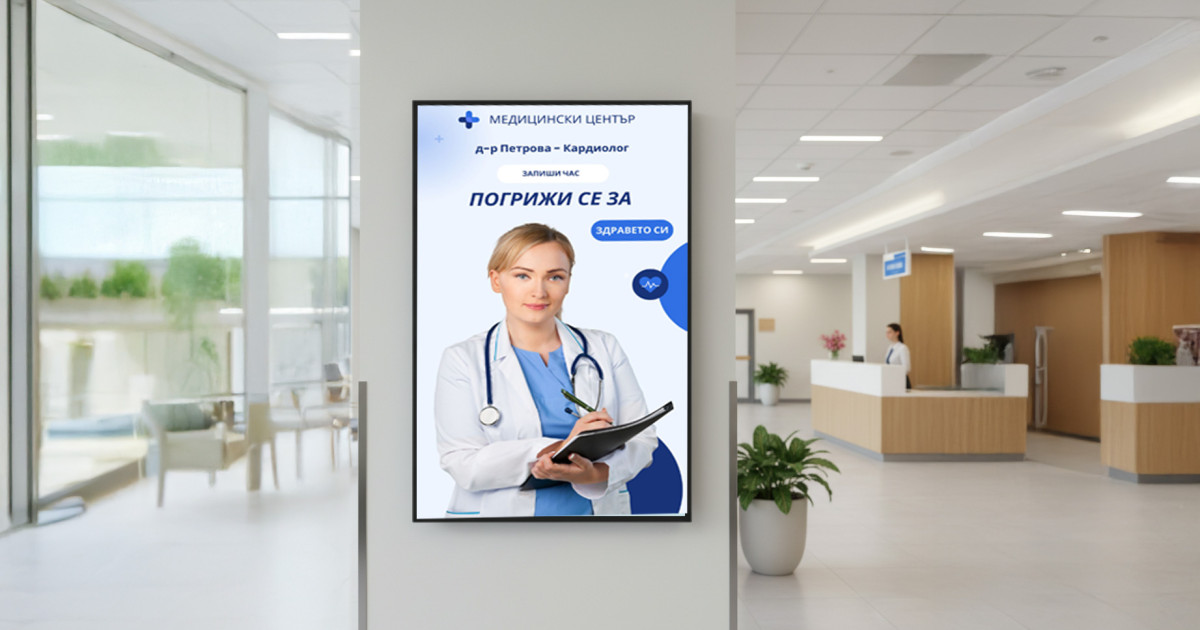
Digital Screens for Hospitals and Medical Centres
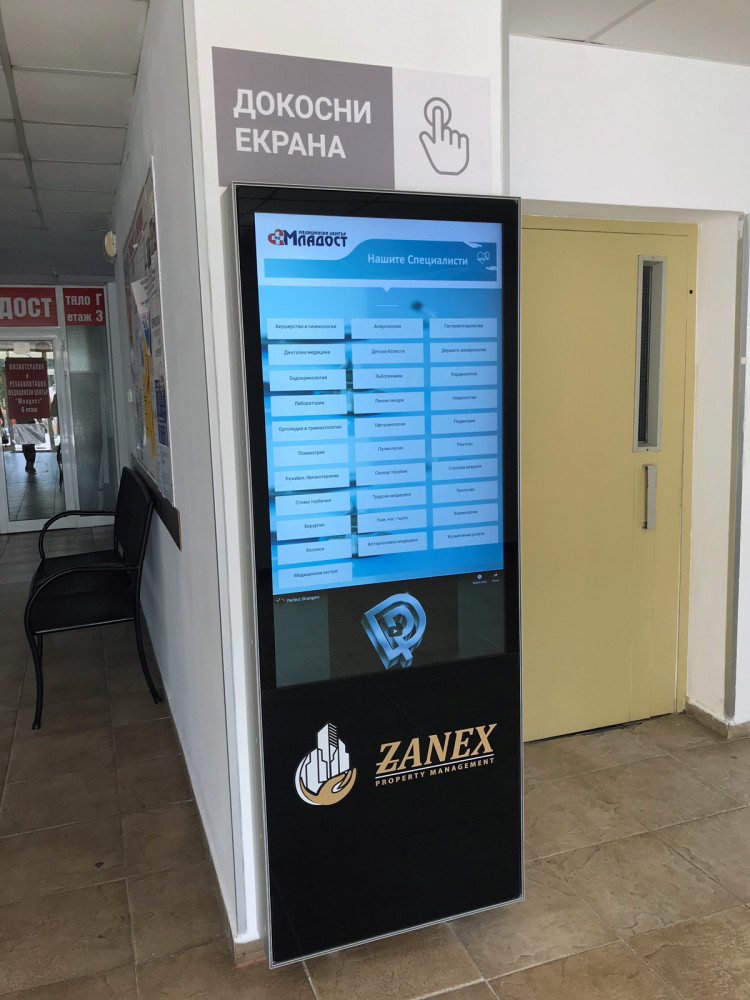
Delivered project: digital reception at Mladost Medical Centre, Varna
At Mladost Medical Centre we installed a wall-mounted interactive kiosk at the entrance. It gives patients and visitors quick access to doctors, rooms, working hours and navigation inside the building.
- Search for a specialist by name or by specialty, with the room number, floor and short information.
- Always up-to-date working hours for the doctors, the laboratory and the registration desk.
- Fewer repeated questions at the reception and shorter queues.
- Changes to schedules and rooms are applied centrally and immediately.
See the full “Digital Reception” project at Mladost Medical Centre
What screens show in hospitals and medical centres
Screens make waiting calmer, patients better informed and the staff’s work easier.
1. A calm and informed waiting room
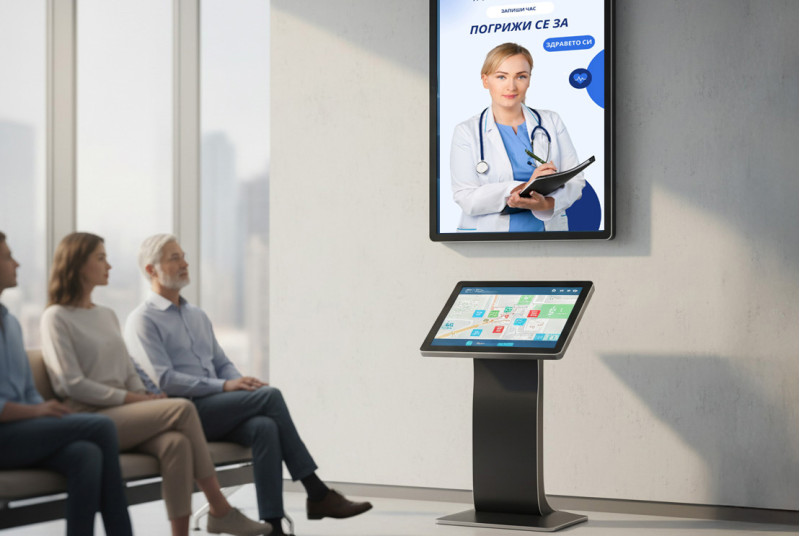
Show useful and soothing content that reduces the feeling of waiting, along with information about registration, booking an appointment and the documents needed.
2. Digital reception and wayfinding
Interactive screens and maps guide patients to the right room or laboratory, especially in large hospital complexes and multi-storey medical centres.
3. Health education
Short videos about prevention, instructions for preparing for tests and tips for a healthy lifestyle. People take them in better than brochures.
4. Schedules and announcements
Update schedules and urgent-change announcements instantly, with no printing or physical replacement. Displays are also a cleaner alternative to paper materials.
5. Services and internal communication
Present additional services, such as preventive packages, and inform the team about operational announcements, events and safety protocols.
Where to place screens in a hospital or medical centre
Screens go where patients wait, ask questions and look for the way:
- Entrance and reception: an interactive kiosk or totem for information and directions to the rooms.
- Waiting room: calm and educational content, a presentation of the team and services.
- Corridors and floors: maps and signs for wayfinding.
- In front of the rooms and the laboratory: schedules and working hours.
- Registration desk: information about booking an appointment and the documents needed.
- Staff areas: internal communication, protocols and training.
Suitable screens for hospitals and medical centres

Touch totem 49"
An interactive totem with a touch screen and a built-in Android computer for digital reception and wayfinding.


Professional display 55"
A 55-inch professional display with 4K UHD resolution and 500 cd/m², built for 24/7 operation.



Paper signs or digital screens: what changes in the medical centre
- Static signs and directions that are hard to update when a schedule or room changes.
- The reception answers the same questions all day.
- Patients struggle to find the right room, especially in a large building.
- Paper materials require printing and replacement.
- Schedules, rooms and announcements change in minutes from a computer or phone.
- Patients find the information themselves, on a screen or kiosk.
- Interactive maps and a digital reception make wayfinding easier.
- A cleaner alternative to paper materials.
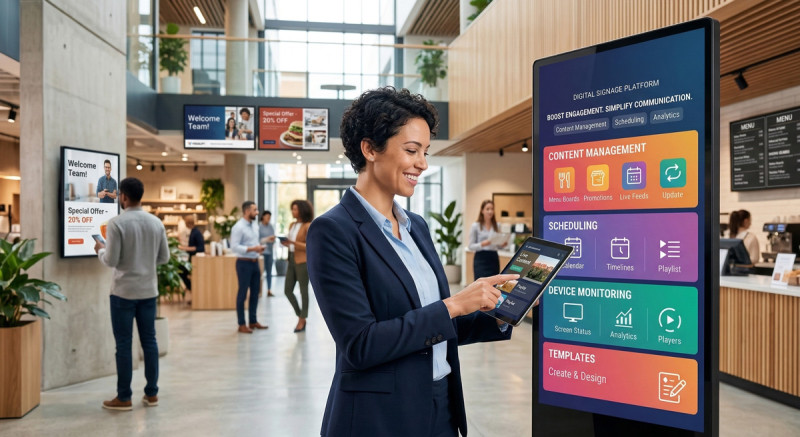
- All screens are managed centrally from the cloud platform.
More on the blog: The role of Digital Signage in medical centres and clinics
Frequently asked questions
What is digital signage in healthcare?
These are digital screens in hospitals, clinics and medical centres that show patient information, schedules, wayfinding directions and health education content. They are managed centrally from one computer.
Where in a hospital or medical centre are screens placed?
At the entrance and reception, in the waiting room, in corridors and on the floors, in front of the rooms and the laboratory, and in staff areas. Each zone shows different information.
What is a digital reception?
An interactive screen or kiosk where the patient searches for a doctor by name or specialty and sees the room, floor and working hours. At Mladost Medical Centre such a kiosk reduced the load on the reception. See the project.
How is the content on the screens changed?
In minutes, from a computer or phone. All screens are managed centrally from the IDS CMS cloud platform, without printing and replacing signs.
How much does a solution for a hospital or medical centre cost?
The price depends on the number and type of screens, installation and the software subscription. We prepare a project quote after a short conversation about your site.
Do you offer installation and service?
Yes, across Bulgaria. Details about installation and what support includes are in the Q&A section.
What happens if the internet connection is lost?
The screen keeps playing the last programme saved in its memory and synchronises by itself when the connection is restored. See what happens to the screen when the internet is down.
Can screens in several sites be managed from one place?
Yes. Screens in all buildings and clinics are managed from one computer through IDS CMS. See screens for chains and networks of sites.