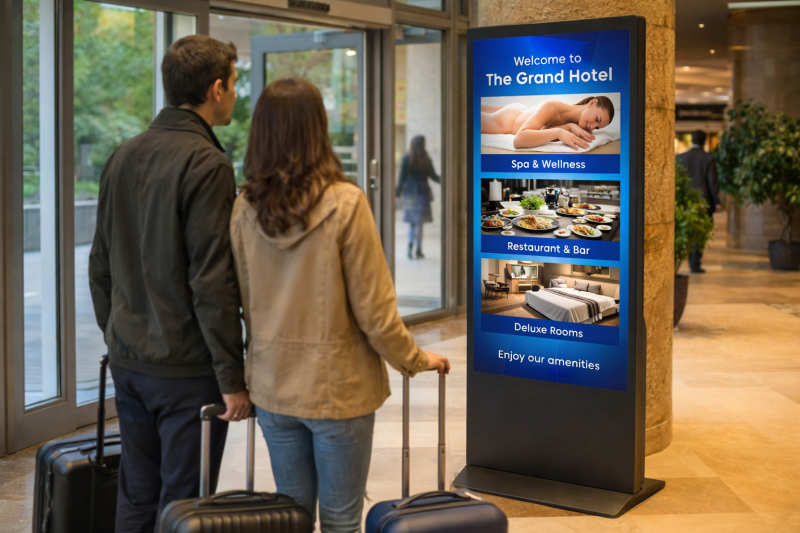
Digital screens for the office and internal communication
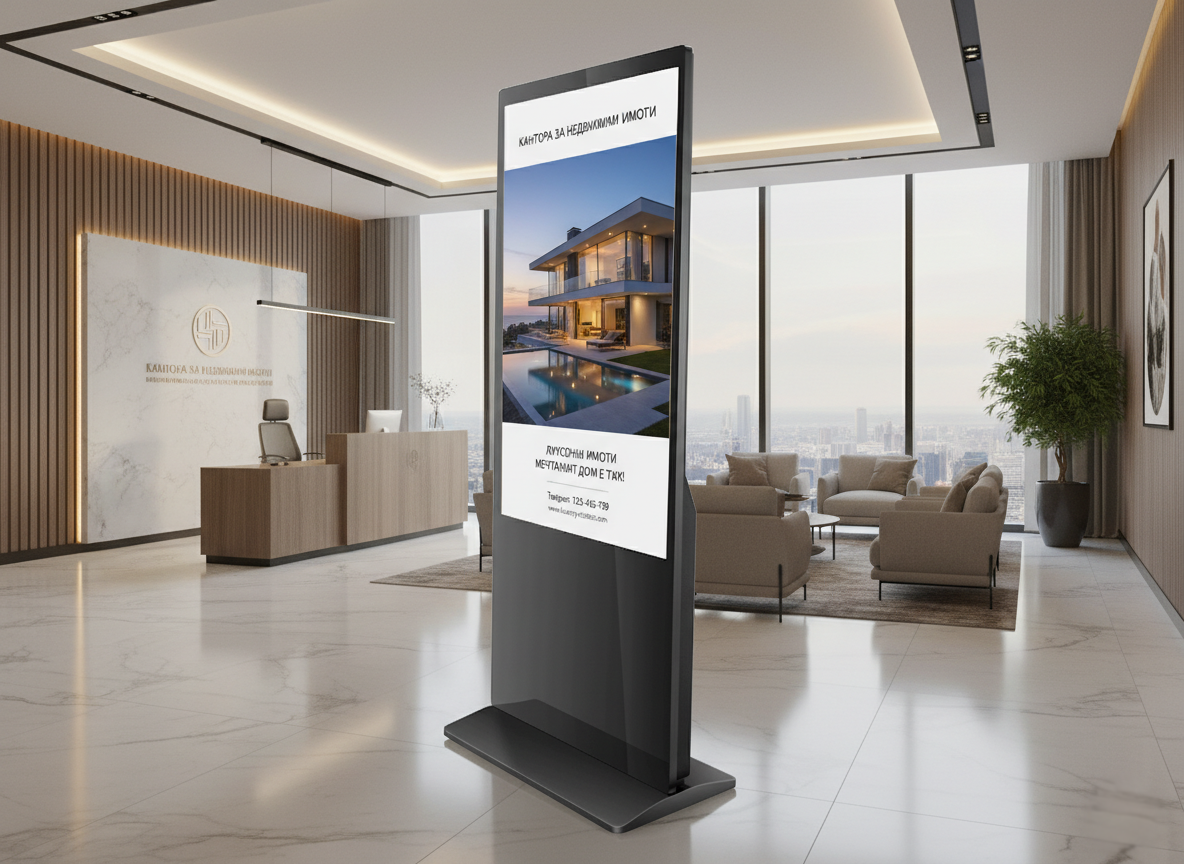
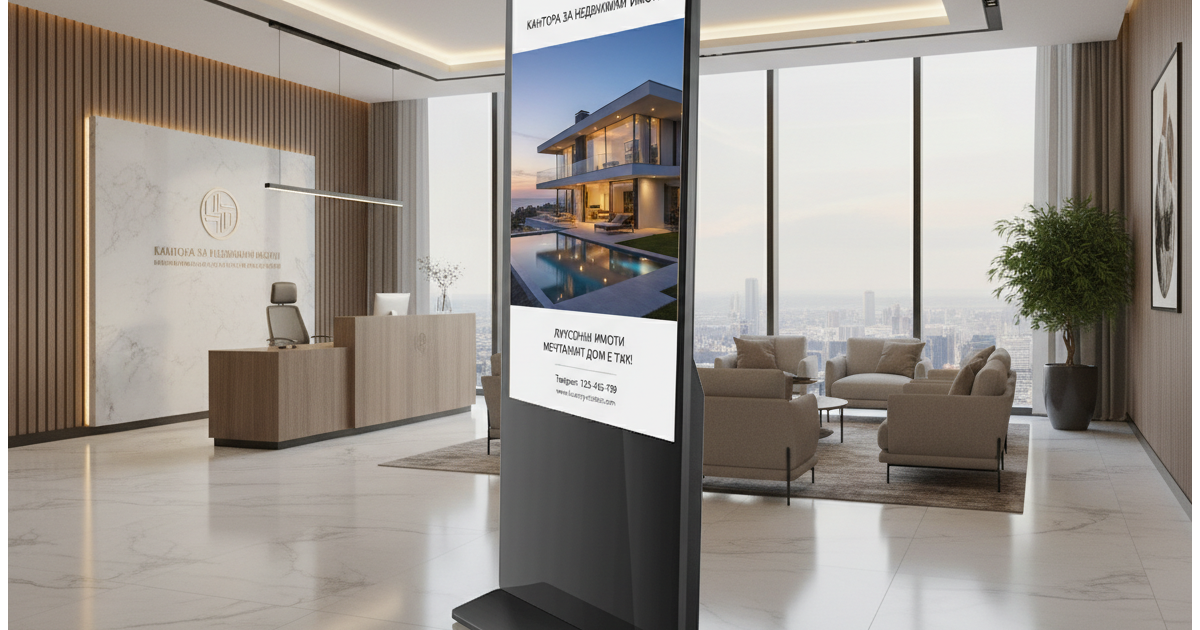
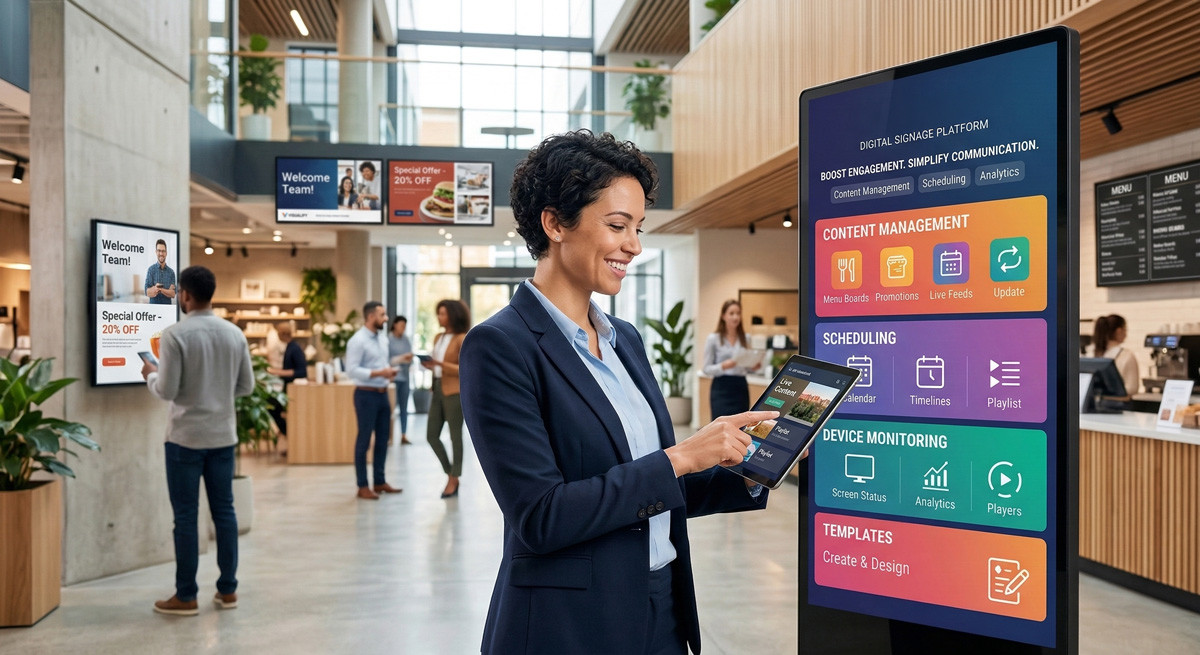
In an office, warehouse or production site, important messages often get lost in email inboxes. A digital information board in a place people pass every day shows schedules, announcements and news without waiting for anyone to open a message. IDS Global supplies the screens and the cloud-based IDS CMS platform, through which HR, the office manager or marketing manage the content from one computer.
What the screens show in internal communication
You upload content as a picture, video or PDF. Most often it is:
- company news and announcements: schedule changes, new rules, holidays;
- welcome messages for new colleagues, greetings and anniversaries;
- team goals and results;
- safety rules and instructions for the workshop and warehouse;
- training, events and important dates;
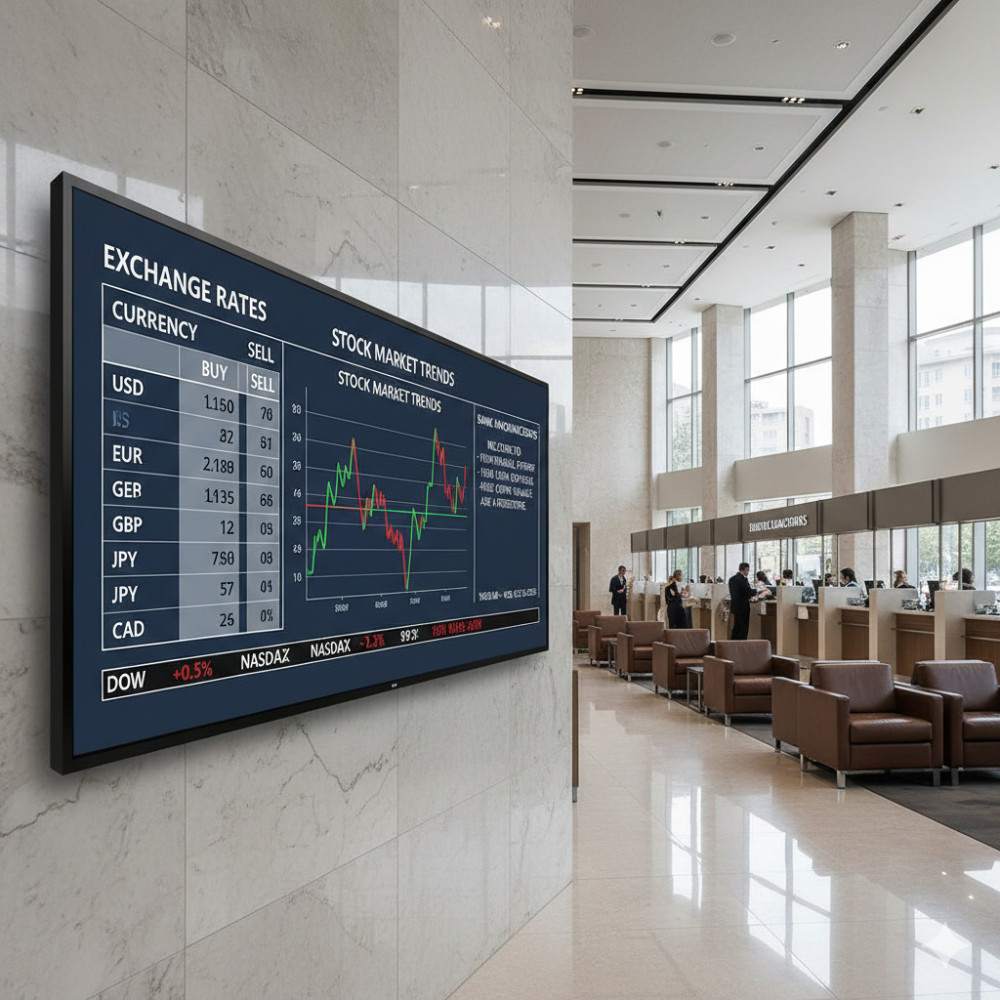
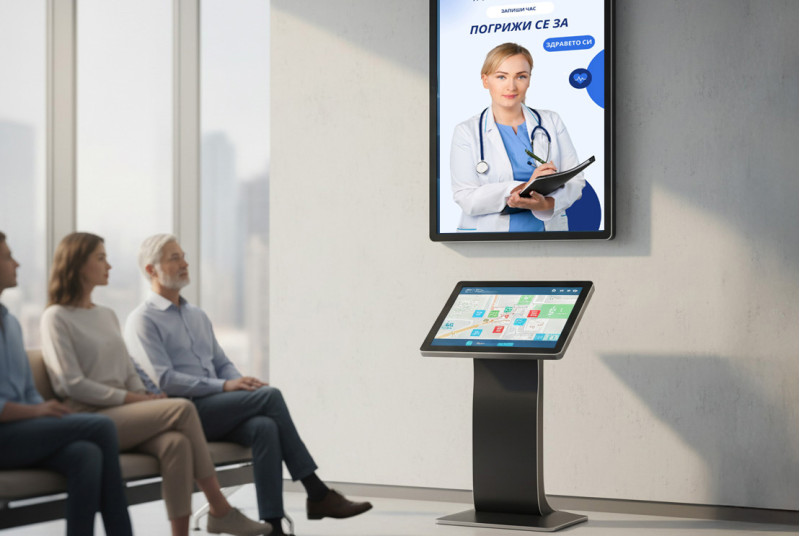
- information for visitors at reception;
- the menu of the staff canteen or cafe.
Why a digital information board, rather than email or a paper board
- It reaches people without a computer. Production, warehouse and field staff often do not read work email.
- It does not get lost. The screen is where people look, while an email is one of dozens of others.
- It changes in minutes. You do not print, pin up or walk around the floors.
How it works
- You choose the places: reception, corridor, break area, canteen, workshop.
- We install the screens in your office or site.
- You upload content and set a schedule by day and hour. For example, news in the morning and the menu at lunch.
- You manage everything from one computer, through a browser.
Content that updates itself
Besides pictures, video and PDF, the screens can show a clock, the weather, a news feed (RSS) and a web page. This way the screen in the lobby can show your intranet or a dashboard with live data, without uploading it again each time.
One office or many
If the company has several offices, branches or production sites, messages from headquarters reach all of them at the same time. Each site can also have its own programme. See how managing many sites works. For workshops and production there is a separate page: screens for workshops and production.
What the IDS CMS platform includes
- remote content management for many displays
- grouping devices by location or site
- programmes with a flexible broadcast schedule
- clock, weather, RSS and web page
- device status, screenshot and restart
- protection against unauthorised access
- templates in portrait and landscape format
- support for jpg, mp4, pdf and other formats
Learn more about the IDS CMS software
Screens for the office and reception



What we need to get started
Three things are enough: where you want screens (reception, corridors, workshop), what you will show, and how many offices or sites there are. We send you a project-based quote.
Frequently asked questions
What is a digital information board?
It is a screen that shows announcements, schedules and news to employees. The content is uploaded from a computer through a browser and changes without printing.
How many screens do I need for an office?
It depends on the places people pass through. Often you start with one or two screens in the busiest places, and add more later.
Who manages the content?
HR, the office manager or marketing, through a browser on any computer. If you prefer, we prepare it for you.
Can different zones show different content?
Yes. You group the screens and set a separate programme for each group.
What files can I upload?
jpg, mp4, pdf and other formats.
Can the screen show a page from our system?
Yes, the screen shows a web page. If your internal system can be opened as a web address, it can be shown on the screen.
What happens if the internet goes down?
Pictures, videos and PDF files from the programme keep playing from the screen memory and sync on their own when the connection is back. The web page stops showing while there is no connection. Read more.
Can I use a TV I already have?
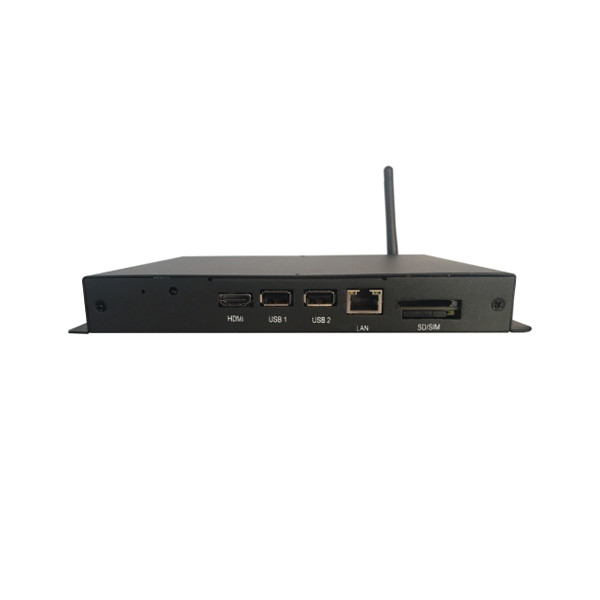
Yes, with a media player over HDMI. For screens that run all day, we recommend a professional screen.
How much does the solution cost?
The price depends on the number of screens, the installation and the software subscription. We prepare a project-based quote after a short conversation.
Have more questions? See Questions and answers or contact us.